分类: 未分类

  • pi zero w v1.1与 mf855紫米路由器

    pi0w 刷了kwrt与mf855合起来用

    电脑usb连接mf855,pi0w无线连mf855(iperf3-server)测得

    D:\iperf3.1.1_64>iperf3.exe -c 192.168.21.100
    Connecting to host 192.168.21.100, port 5201
    [  4] local 192.168.21.101 port 57406 connected to 192.168.21.100 port 5201
    [ ID] Interval           Transfer     Bandwidth
    [  4]   0.00-1.01   sec  5.88 MBytes  48.6 Mbits/sec
    [  4]   1.01-2.00   sec  5.88 MBytes  49.9 Mbits/sec
    [  4]   2.00-3.01   sec  4.38 MBytes  36.6 Mbits/sec
    [  4]   3.01-4.01   sec  2.75 MBytes  23.0 Mbits/sec
    [  4]   4.01-5.01   sec  5.00 MBytes  41.9 Mbits/sec
    [  4]   5.01-6.01   sec  4.62 MBytes  38.7 Mbits/sec
    [  4]   6.01-7.00   sec  4.12 MBytes  35.0 Mbits/sec
    [  4]   7.00-8.00   sec  6.12 MBytes  51.3 Mbits/sec
    [  4]   8.00-9.01   sec  4.50 MBytes  37.5 Mbits/sec
    [  4]   9.01-10.01  sec  4.38 MBytes  36.6 Mbits/sec
    - - - - - - - - - - - - - - - - - - - - - - - - -
    [ ID] Interval           Transfer     Bandwidth
    [  4]   0.00-10.01  sec  47.6 MBytes  39.9 Mbits/sec                  sender
    [  4]   0.00-10.01  sec  47.5 MBytes  39.8 Mbits/sec                  receiver
    
    iperf Done.

    电脑无线连接mf855,pi0w无线连mf855(iperf3-server)测得

    D:\iperf3.1.1_64>iperf3.exe -c 192.168.21.100
    Connecting to host 192.168.21.100, port 5201
    [  4] local 192.168.21.101 port 58446 connected to 192.168.21.100 port 5201
    [ ID] Interval           Transfer     Bandwidth
    [  4]   0.00-1.01   sec  1.50 MBytes  12.5 Mbits/sec
    [  4]   1.01-2.01   sec  1.50 MBytes  12.5 Mbits/sec
    [  4]   2.01-3.01   sec  1.38 MBytes  11.5 Mbits/sec
    [  4]   3.01-4.01   sec  1.38 MBytes  11.6 Mbits/sec
    [  4]   4.01-5.01   sec  1.62 MBytes  13.6 Mbits/sec
    [  4]   5.01-6.01   sec  1.50 MBytes  12.5 Mbits/sec
    [  4]   6.01-7.00   sec  1.50 MBytes  12.7 Mbits/sec
    [  4]   7.00-8.01   sec  1.50 MBytes  12.5 Mbits/sec
    [  4]   8.01-9.01   sec  1.50 MBytes  12.5 Mbits/sec
    [  4]   9.01-10.00  sec  1.38 MBytes  11.6 Mbits/sec
    - - - - - - - - - - - - - - - - - - - - - - - - -
    [ ID] Interval           Transfer     Bandwidth
    [  4]   0.00-10.00  sec  14.8 MBytes  12.4 Mbits/sec                  sender
    [  4]   0.00-10.00  sec  14.6 MBytes  12.3 Mbits/sec                  receiver
    
    iperf Done.

    最后测得7mbits…..

    放弃了不玩mf855了
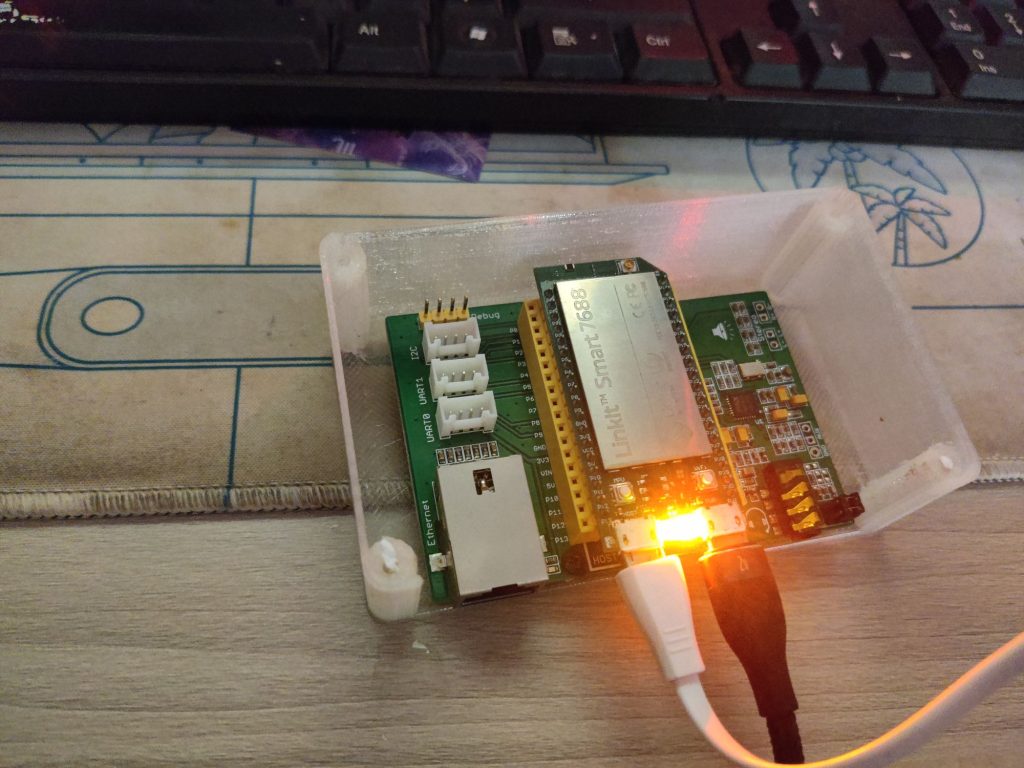
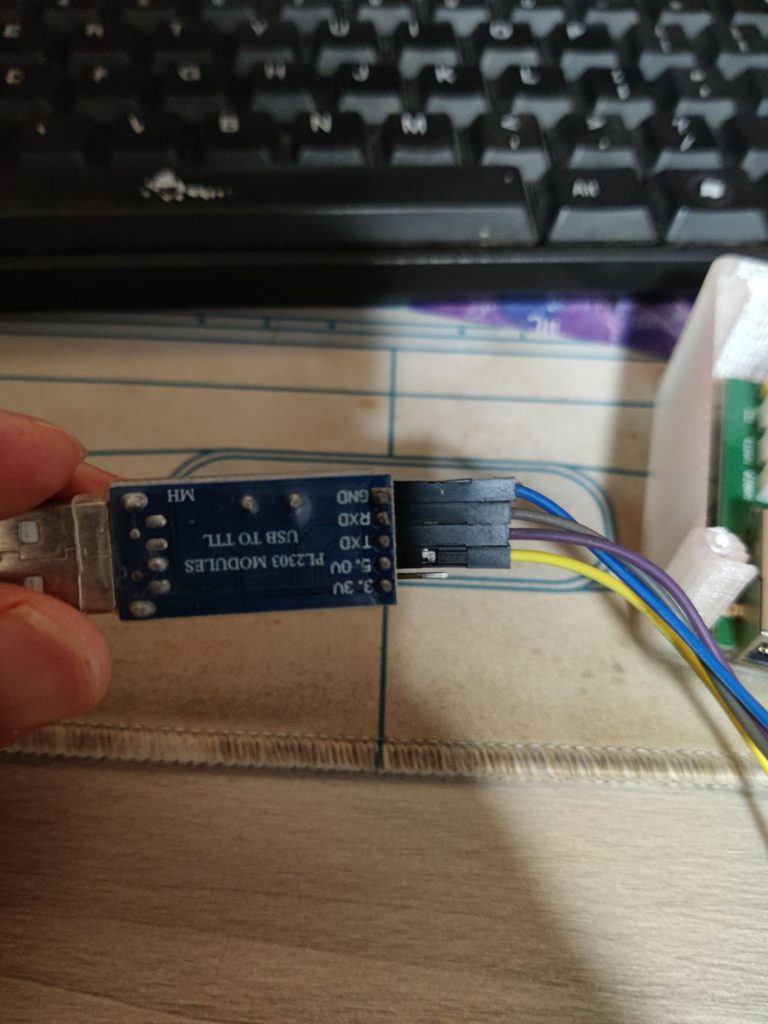
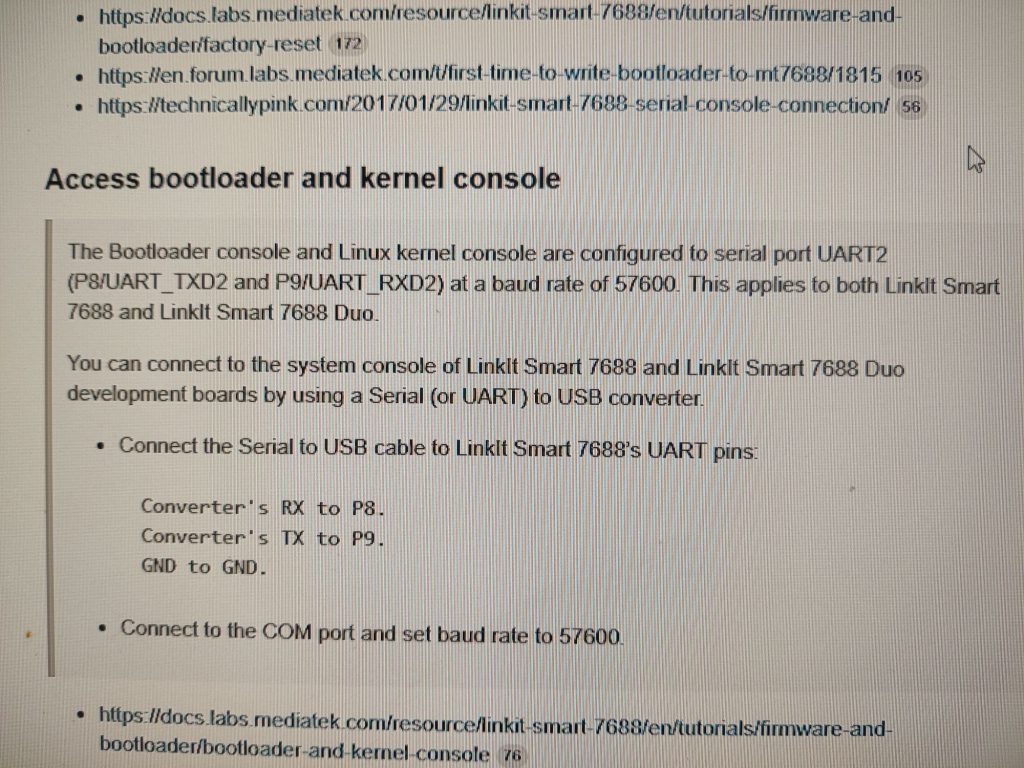
  • Linkit smart 7688忘记密码了

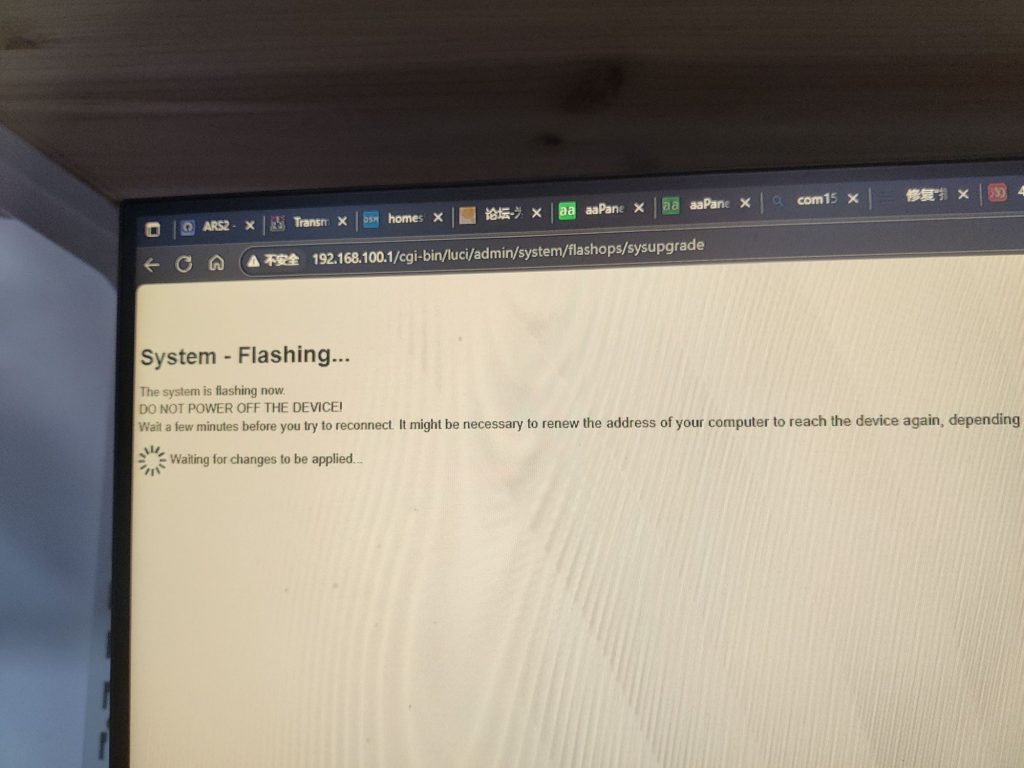
    现在WiFi登不了只能用USB刷机

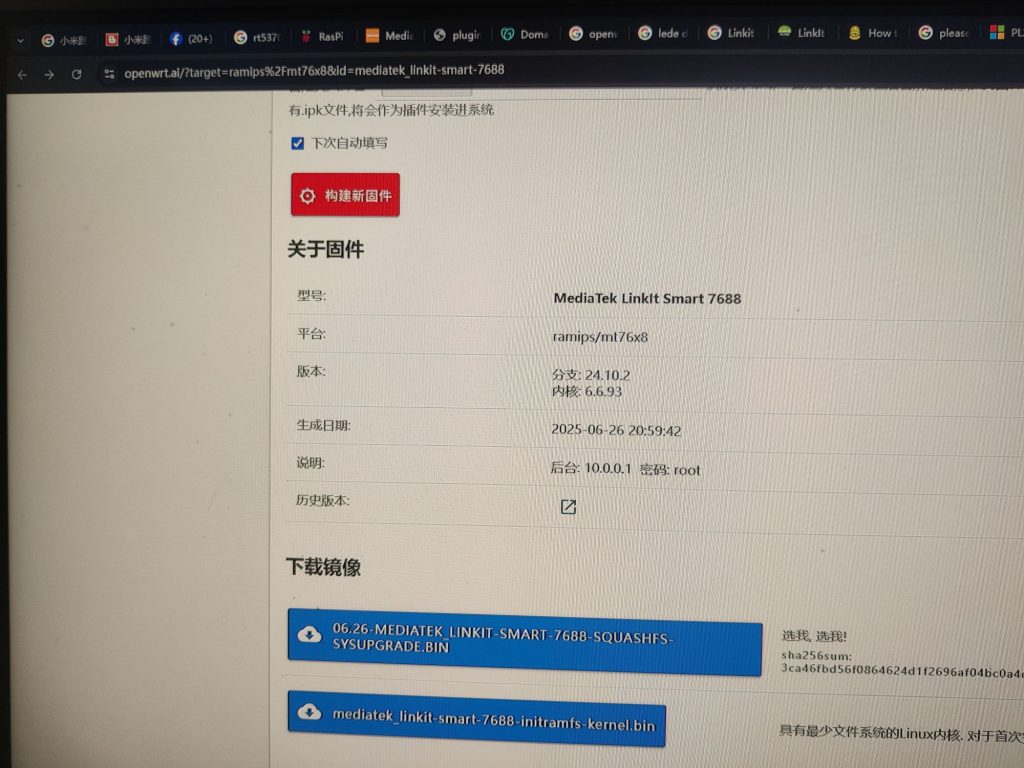
    旧案上面的操作就行了

    下载那个选我选我的那个文件

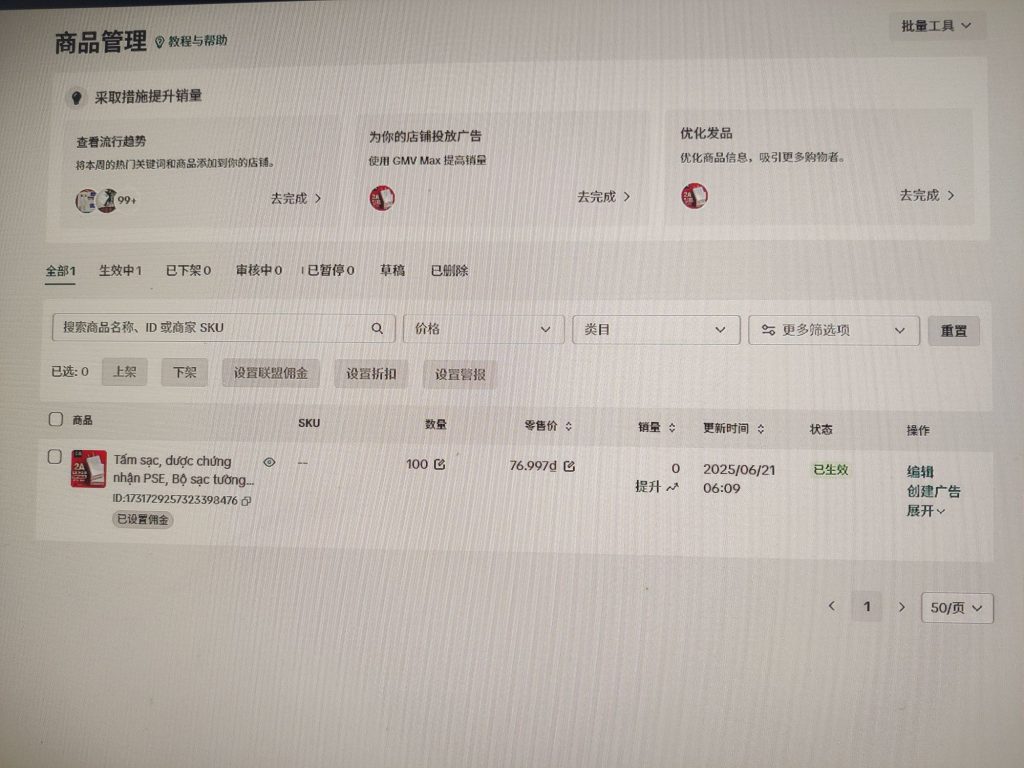
  • 我是小白我都可以做tiktokshop(持续更新)

    為什麼要選擇那個不能要不選擇歐美 有咩選擇歐美都需要他條件的 你只能在那個其他地方有做過這個經驗而且能證明出來你才能做所以他沒有辦法我只能選擇越難越難是沒有不需要任何條件就可直接開通的

    你又講嚇探未嗰啲處就那個店鋪都要叫一個保證金就是美金我指教了個越南的現在上傳產品資料

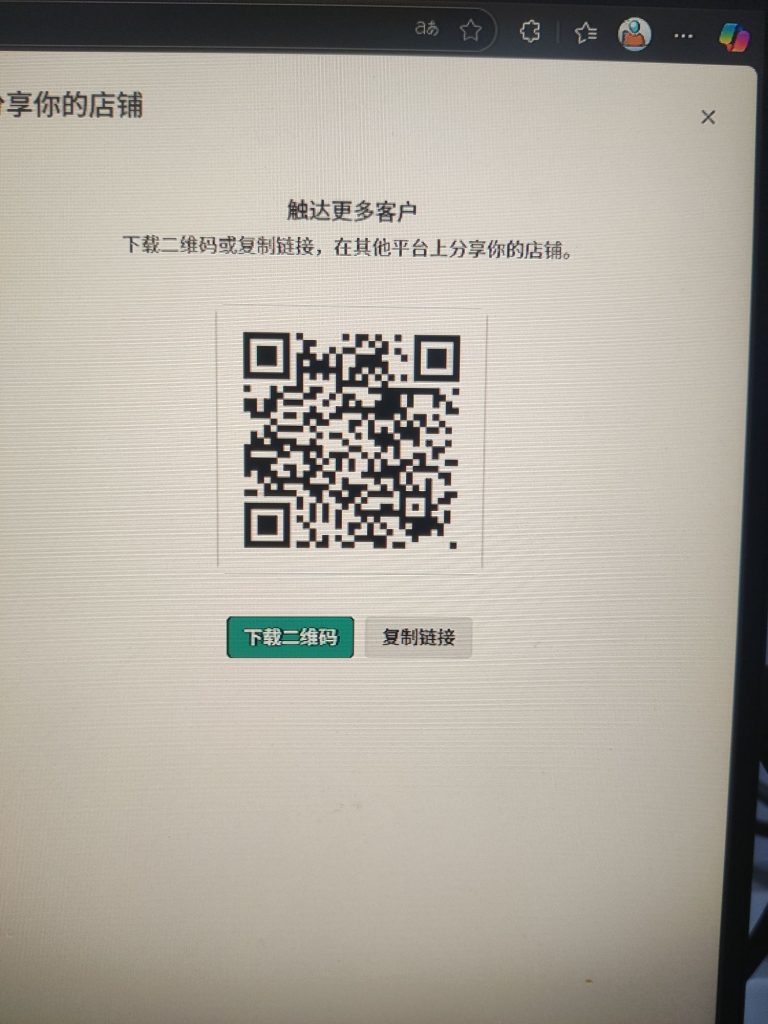
    商店算是开成功了可以分享但是的话因为手机号码不是越南的访问不了要搞要改回越南的那个手机号码才能登入

    二维码我就放在这里了你们可以随时上来

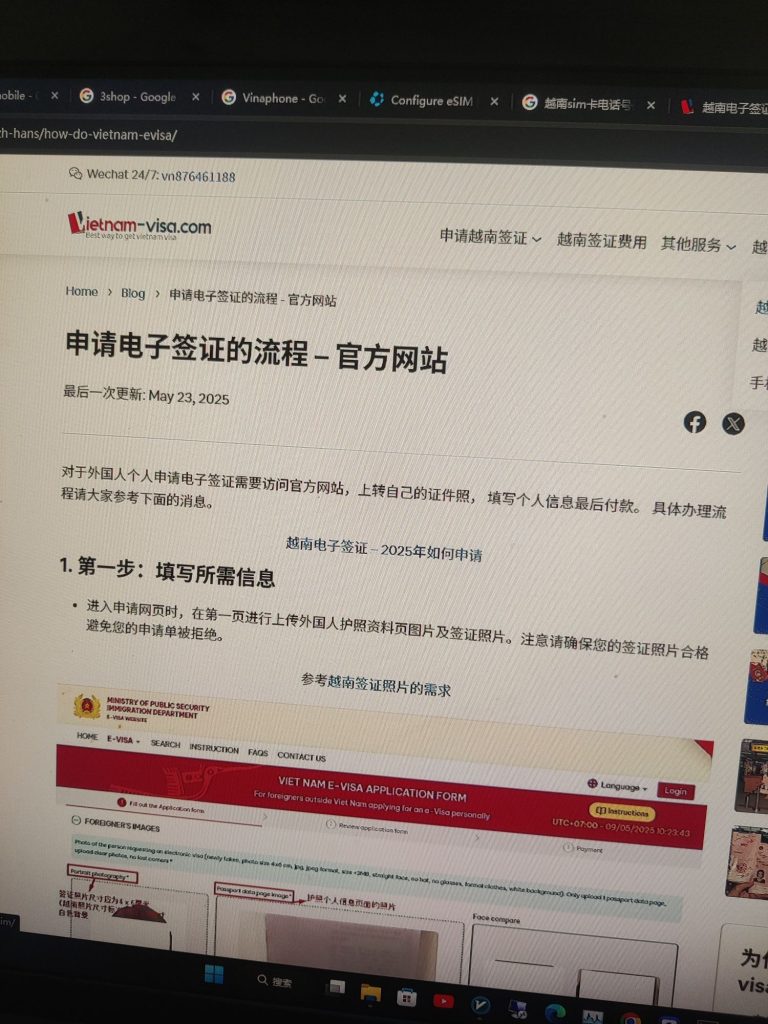
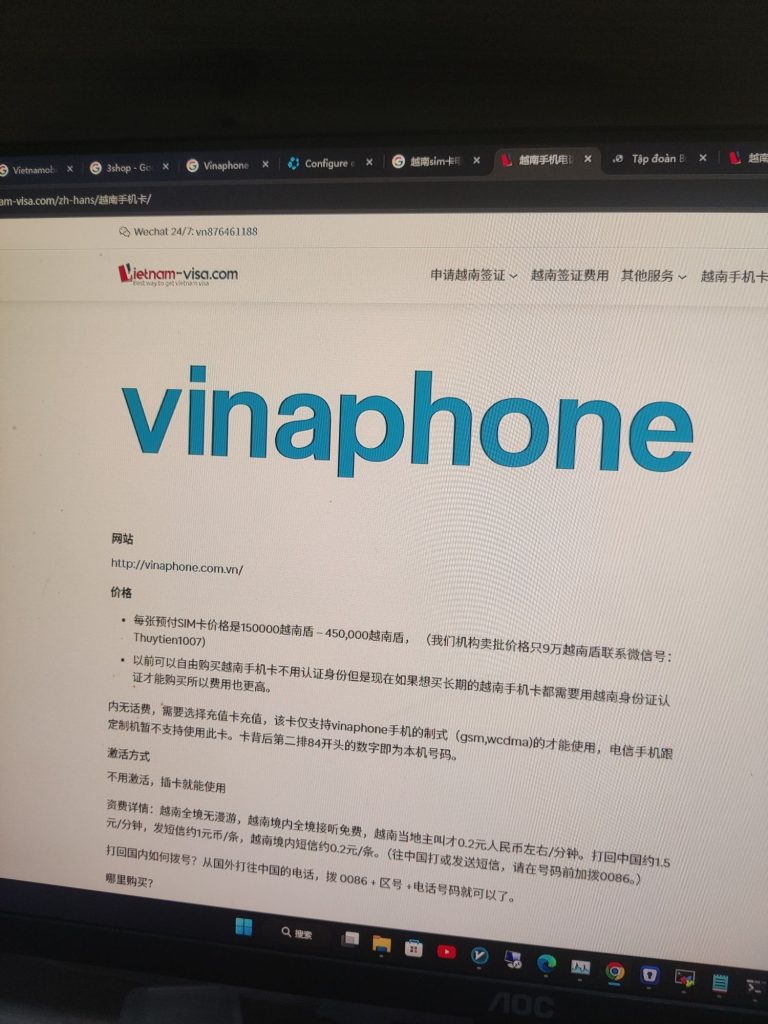
    了解了要办理越南的号码是需要越南的身份或者你哪个签证也可以办

    自己填写的话是需要25美金有可能填错填错了是不会退的如果你要你去申请代理的话是50美金他帮你处理快速出证自己填写他不一定会出证

    暂时打算的话是可能买一个越南的电话号码卡办个签证过去买

    如果你想临时使用的话你就可以直接在那个一现场申请就行了他可以有7天30天都可以

  • 还在为多个网站扫码授权抓狂?一招搞定所有域名登录!

    “一点一扫,秒回畅登!
    在A网站点击登录 → 秒跳安全验证页 → 手机轻松扫码 → 瞬间自动返回A站!
    全程免输密码,登录如丝般顺滑,安全又省心~ ”

    创建bottom的link

    https://auth.sunyee.site/wechat-login.php

    B站点带php创建weixin-login.php

      <?php
      // wechat-login.php
      $appid = 'wxxxxxx';
      $redirect_uri = urlencode('https://A站点/wechat-callback.php');
      $scope = 'snsapi_login'; // 网站应用必须是 snsapi_login
      $state = 'state123'; // 可自定义
      
      $url = "https://open.weixin.qq.com/connect/qrconnect?appid=$appid&redirect_uri=$redirect_uri&response_type=code&scope=$scope&state=$state#wechat_redirect";
      header("Location: $url");
      exit;
      

      A站是Wordpress根目录下创建wechat-callback.php

      <?php
      require_once('wp-load.php');
      
      
      $appid = 'wxxxxx';
      $appsecret = 'aexxxxx';
      
      
      $code = $_GET['code'];
      if (!$code) exit('未获取 code');
      
      $url = "https://api.weixin.qq.com/sns/oauth2/access_token?appid={$appid}&secret={$appsecret}&code={$code}&grant_type=authorization_code";
      $response = file_get_contents($url);
      $data = json_decode($response, true);
      
      if (!isset($data['openid'])) {
          exit('微信授权失败:' . $response);
      }
      
      $openid = $data['openid'];
      $unionid = isset($data['unionid']) ? $data['unionid'] : null;
      
      // 查询 WordPress 用户是否存在
      $user = get_users([
          'meta_key' => 'wechat_openid',
          'meta_value' => $openid,
          'number' => 1
      ]);
      
      if ($user) {
          // 登录已有用户
          wp_set_current_user($user[0]->ID);
          wp_set_auth_cookie($user[0]->ID);
          wp_redirect(home_url());
          exit;
      } else {
          // 创建新用户
          $username = 'wx_' . wp_generate_password(6, false);
          $password = wp_generate_password();
          $user_id = wp_create_user($username, $password);
          update_user_meta($user_id, 'wechat_openid', $openid);
          if ($unionid) update_user_meta($user_id, 'wechat_unionid', $unionid);
      
          // 登录
          wp_set_current_user($user_id);
          wp_set_auth_cookie($user_id);
          wp_redirect(home_url());
          exit;
      }
      
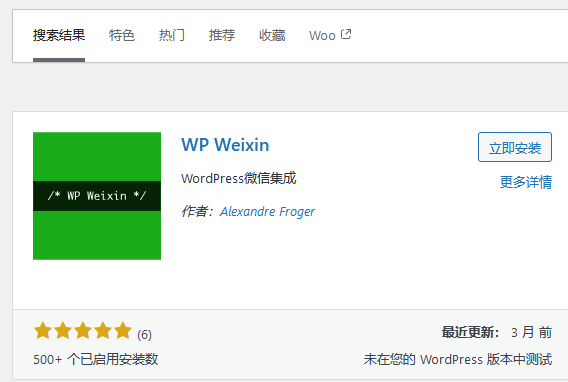
    • 超简单WordPress微信扫码登录插件wp-weixin

      添加插件找到以下插件

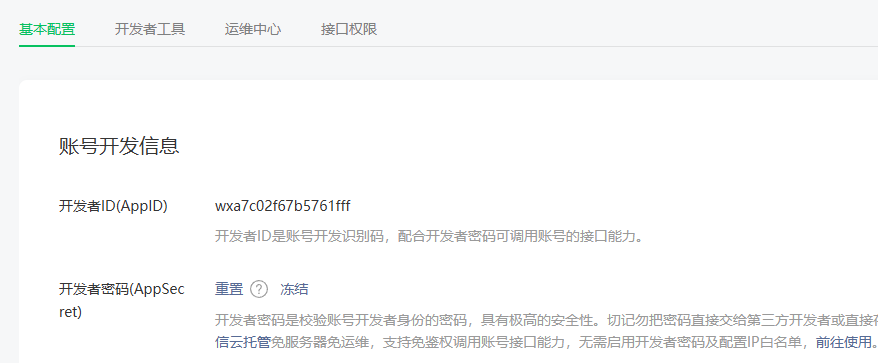
      先要以公司名义申请服务号

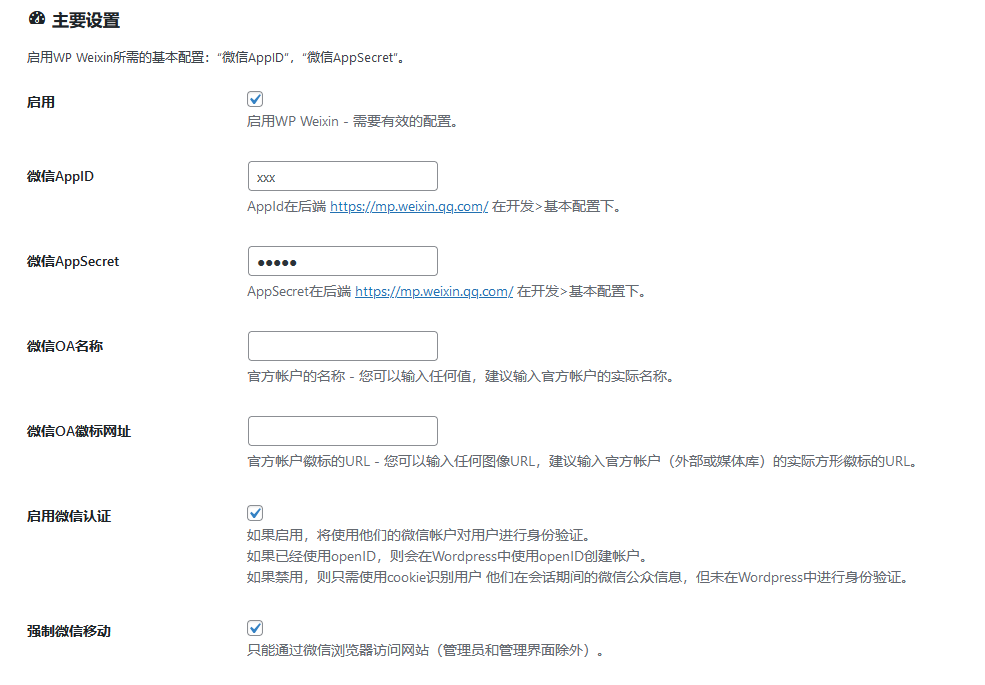
      启用按以下修改

      成功后直接用微信登录,后台用户这些就是

      以有如果显示404

      支付 ¥10 购买本节后解锁剩余10%的内容
    • 世界,您好!

      欢迎使用 WordPress。这是您的第一篇文章。编辑或删除它,然后开始写作吧!